
Multiverse Tower Defense Guides and Walkthroughs
From five wins on Classic to Raid queues and Plaza trades.
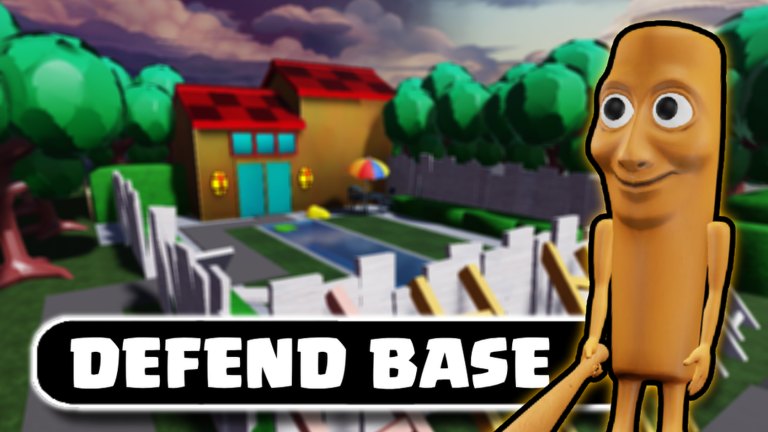
This hub is the map of every tutorial on the wiki. Multiverse Tower Defense looks like a simple summon-and-place Roblox TD until Hardcore, Raids, and Indie Cross start checking whether you actually fused, enchanted, and spent Upgrade Tree points. Read in order if you are new; jump by problem if you already have a lane.
Start here
- Getting started — first session, five-win gate, Classic Cash, and what not to summon yet. Includes a first-play video.
- How to play — lobby HUD, placement, upgrades during waves, online co-op on ten-player servers, Hardcore badges.
If Shop still blocks codes, leave this hub and use how to redeem. Guides assume you already claimed MTD.
Progression systems
- Fusion and enchant — how units actually get stats after the pull. MultiShards, Ability Spins, and why Rainbow serials matter.
- Trading Plaza — Trading Terminal versus Plaza, Shiny Kuzya pricing, and how not to get scammed on limited Raid units.
- Raids — Raid crates, party roles, weekly Multiverse Boss weakness, and why you should not solo with Commons.
- Upgrade Tree — account nodes versus match upgrades; buy economy last, not first.
- Hardcore and Roof — Hardcore Classic and NYA! badges.
- Indie Cross — group crate, loadout, and how it is not a Raid.
Those three pages interlink. Fusion without Raid currency stalls. Raids without a fused carry stall. Plaza without knowing which unit is Secret stalls.
How to use the rest of the wiki with these guides
After Classic feels easy:
- Compare your board to the beginner tier list.
- Look up rarities on the unit index.
- Read summon banners before you touch Beast Warm.
- Skim Guilds update if you want SCP Crate and weekly guild rewards.
- Only then open scripts if you insist on macros — and read safety first.
What these guides will not do
They will not mix in units from NoNameStuff Studios’ Multiverse TD (Doughking-era lists, UPDATE34, yen). They will not invent attack numbers the live client does not show in a public patch note. When a YouTube showcase is the source, the page says so and embeds that one video mid-article.
They also will not tell you an official Trello exists. It does not. Community links points at the Roblox group and this wiki instead.
Suggested reading order for a new account
Hour 1: getting started → redeem codes → Standard summons.
Hour 2: how to play (placement + co-op) → beginner tier list.
Day 2: fusion and enchant → unit index.
Day 3: trading (if you pulled a Shiny or Secret) → Raids.
Week 2: Guilds, index rewards (Imposter at 200), Hardcore Classic / Roof badges.
If a mode is still confusing after the matching guide, check patch notes — AFK changes and Daily Quest fixes have shifted how people farm.
One video per guide
Where a page has a video, it sits in the middle of the article, not as a dump at the end. Getting started uses a first-session recording. Other hubs use different IDs so you are not watching the same clip five times. Click-to-load facades keep the page light on mobile.
When you finish a guide, use the related links at the bottom to stay inside the same topic instead of bouncing to the homepage.
Frequently Asked Questions
Quick answers for Multiverse Tower Defense on Roblox.
Which guide should I read first?
The getting started page. It covers Classic, the five-win code lock, and the first summons.
Do I need Raids on day one?
No. Clear Classic, build a fused carry, then read the Raids walkthrough.
Where are controls listed?
How to play covers lobby buttons, placement, and co-op. There is no separate WASD combat layer — this is a tower defense.
Are these guides for the other Multiverse TD?
No. They are written for The ROBO Studio game only. Different codes, different units, different Shop.